Booking Software Guides
Practical how-to articles for service businesses — from reducing no-shows to building AI-powered booking forms. Each guide shows you the strategy and how ClickoBook makes it happen.
Everything you need to run a better booking business
Actionable articles written for service businesses — salons, clinics, trades, fitness studios and more.
 Subscriptions & Memberships
How Recurring Subscriptions Auto-Reschedule — and Never Lose Value
Recurring subscriptions keep booking your client's next session automatically — and when a slot is taken, the platform reschedules to a nearby time or issues a credit, so the value they paid for is never lost. For unlimited and limited-cycle plans.
- How auto-scheduling works
- Reschedule vs credit fallback
- Unlimited & limited-cycle plans
 Integrations & Automation
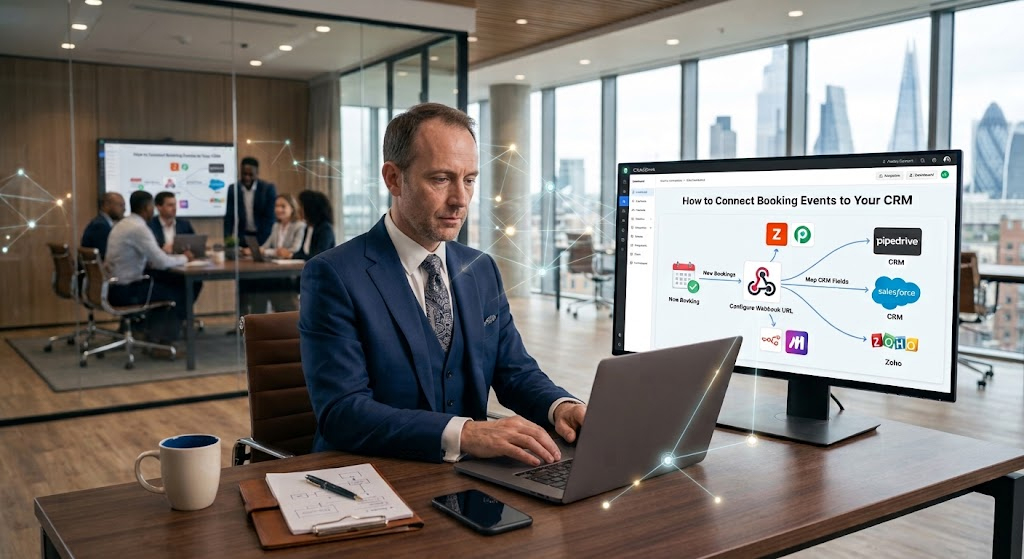
How to Connect Booking Events to Your CRM with Webhooks
Push every new booking, cancellation, reschedule and completed appointment to your CRM, accounting, spreadsheet or chat — automatically. Step-by-step setup for Zapier, n8n, Make and Pabbly Connect.
- The 4 booking events explained
- Zapier, n8n, Make & Pabbly setup
- HMAC signature verification
 Customer Experience
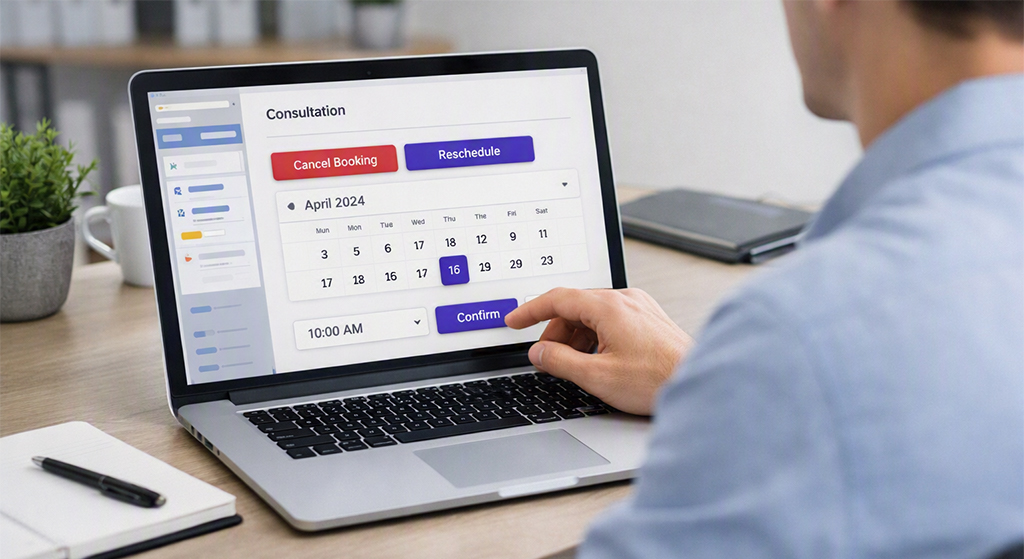
How to Let Customers Cancel or Reschedule Their Own Bookings
Let customers manage their own appointments through the booking portal — cancel, reschedule or stop a subscription — safely, within cancellation policies you control.
- Self-service toggles explained
- Cancellation policy & windows
- Secure booking management links
 Website & Integration
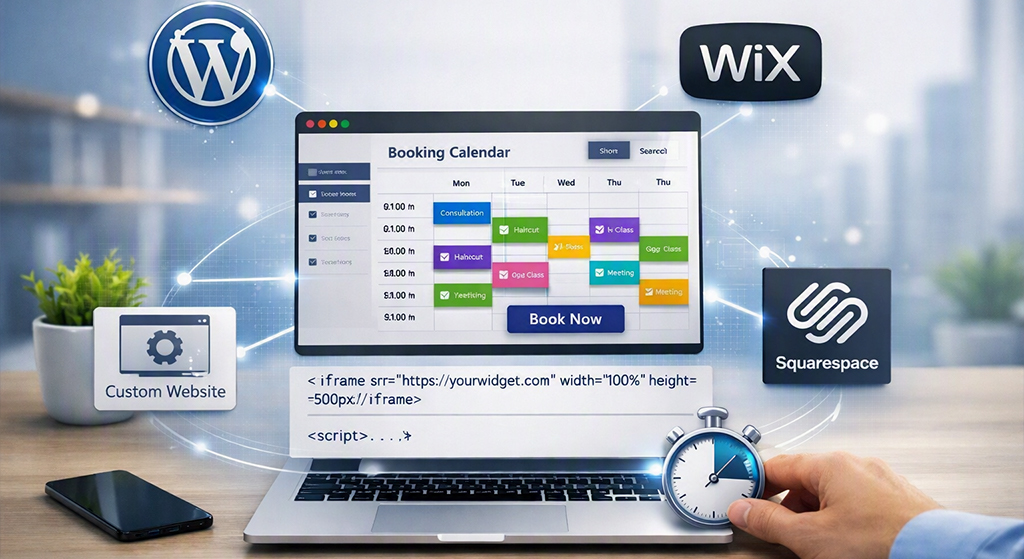
How to Set Up Your Booking Widget on Any Website (WordPress, Wix, Custom)
Add your booking widget to WordPress, Wix, Squarespace or any custom site with an iframe, a script loader, or the dedicated WordPress plugin — no coding required.
- Iframe embed for any site builder
- Script loader for CMS platforms
- WordPress plugin with Gutenberg block
 Operations
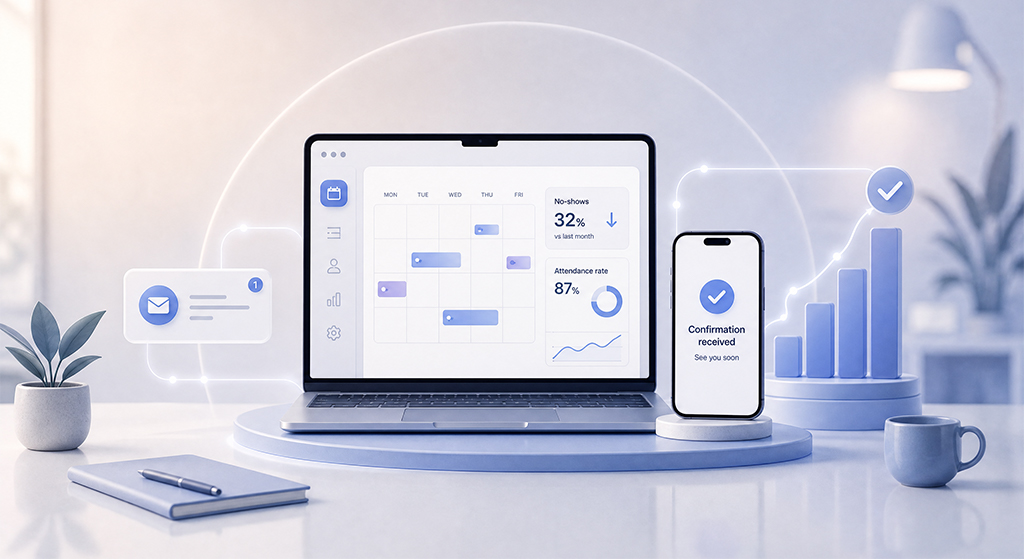
How to Reduce No-Shows — Complete Strategy Guide
Combine deposits, reminders, cancellation policies, manual approval, and anti-abuse limits to eliminate no-shows and protect your revenue.
- 5-tier prevention strategy
- Deposits + reminders combined
- Cancellation policy & manual approval
 Notifications
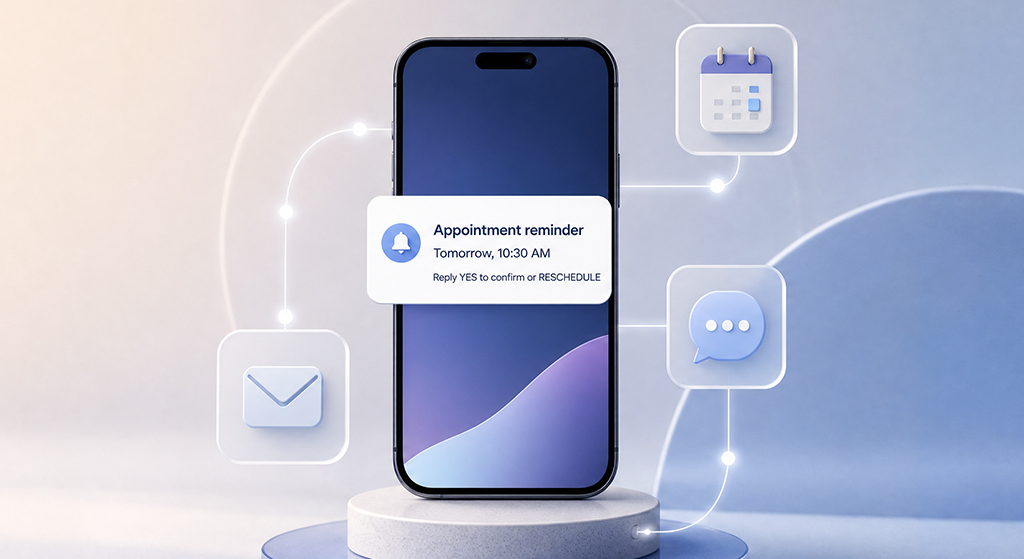
How to Automate Appointment Reminders (Email & SMS Guide)
Stop manually reminding clients. Set up automated email and SMS reminders that fire at the right time, reduce no-shows, and keep your schedule full.
- 8 notification types explained
- SMTP & AWS SES email setup
- Twilio SMS configuration
 AI & Automation
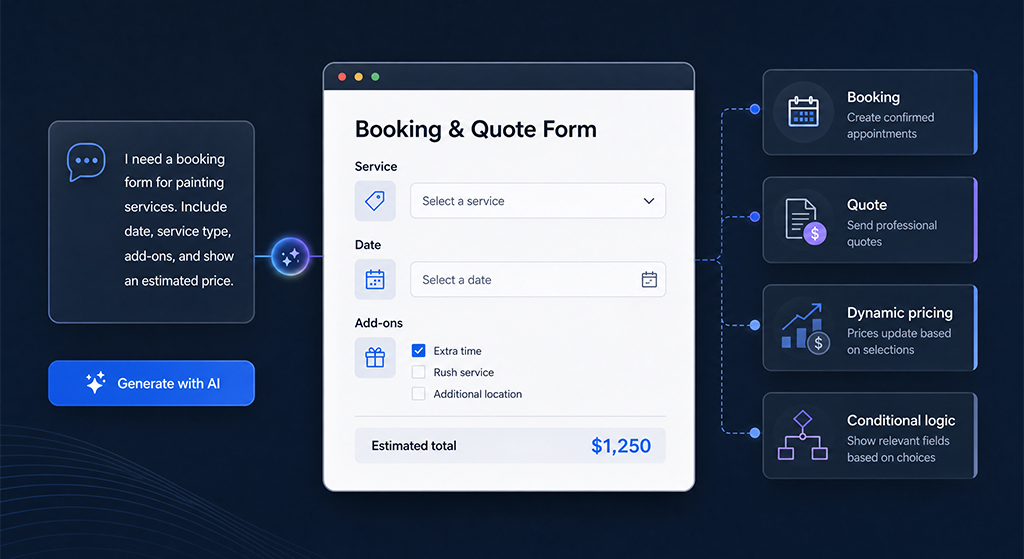
How to Create a Booking or Quote Form with AI
Describe your service in plain language and let AI build a complete booking or quote form — with sections, questions, options, dynamic pricing and conditional logic. No coding needed.
- How AI form generation works
- Quote forms with dynamic pricing
- Real prompt examples by industry
 Payments & Revenue
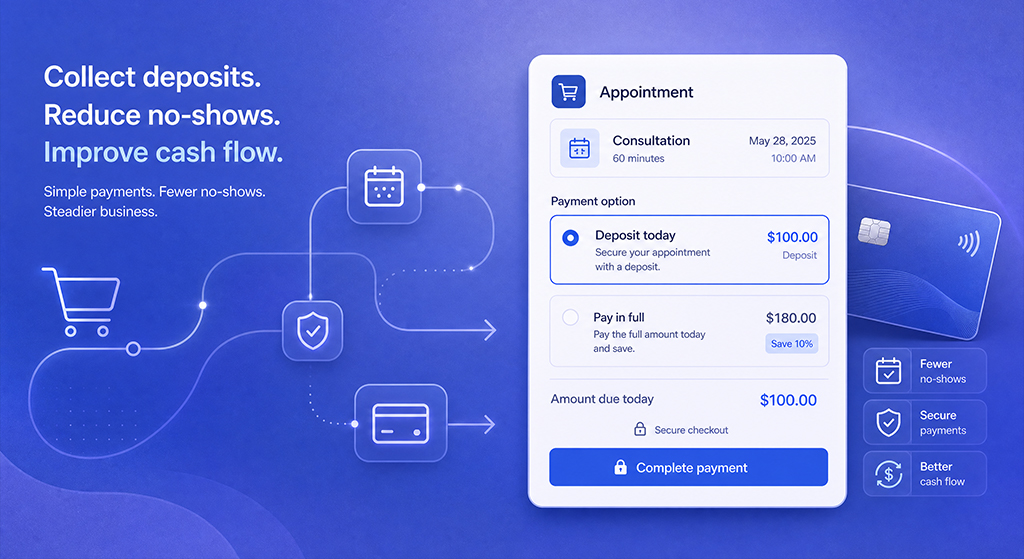
How to Collect Deposits for Appointments (Partial Payment Guide)
Reduce no-shows and secure your revenue by collecting deposits at checkout. Learn how percentage and fixed deposits work, with a full-payment discount option.
- Deposit types explained
- Full-payment discount strategy
- Balance tracking & surcharges
 Payments & Revenue
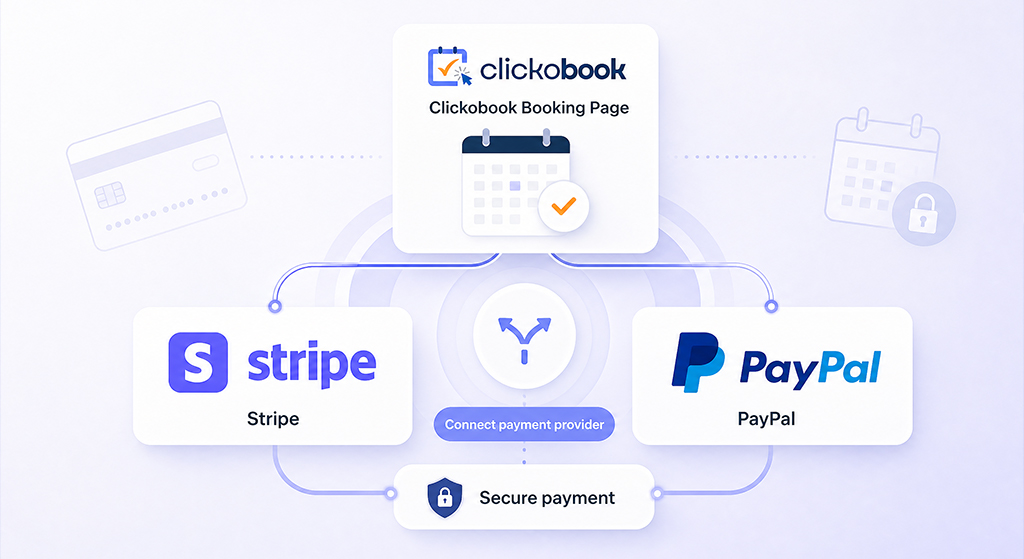
How to Set Up Online Payments (Stripe + PayPal) for Your Booking Page
Accept card, PayPal and cash payments on your booking page. Connect your Stripe and PayPal accounts, wire up webhooks, and collect balances with payment links.
- Stripe & PayPal API key setup
- Webhook configuration with required events
- Deposits, pay-later & payment links
 Payments & Revenue
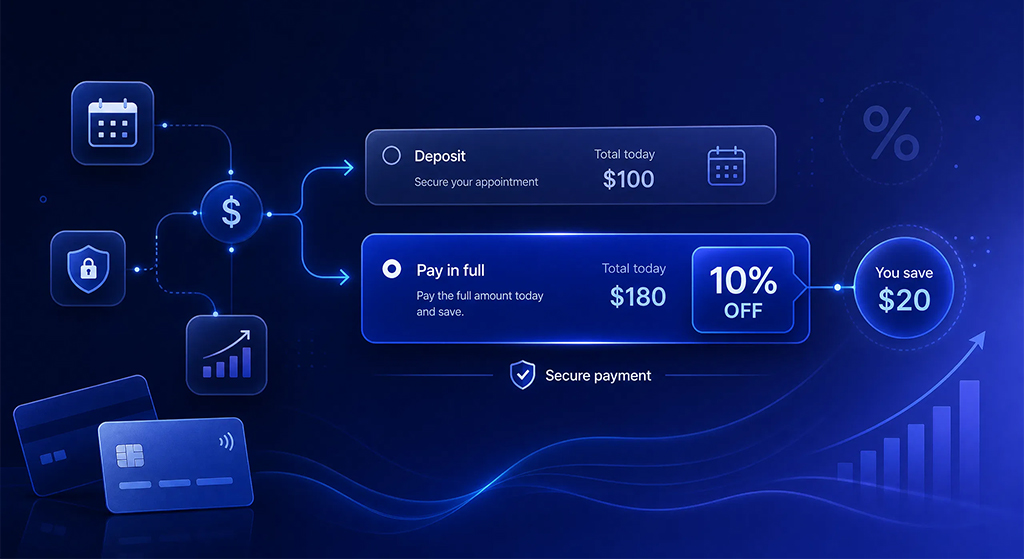
How to Offer a Full-Payment Discount with Deposits
Reward customers who pay 100% upfront with a discount — while keeping the deposit option for everyone else. Learn how percentage and fixed discounts are calculated and combined with coupons.
- Pay-in-full incentive strategy
- Pre-tax calculation & tax recalc
- Coupon stacking explained
 Payments & Revenue
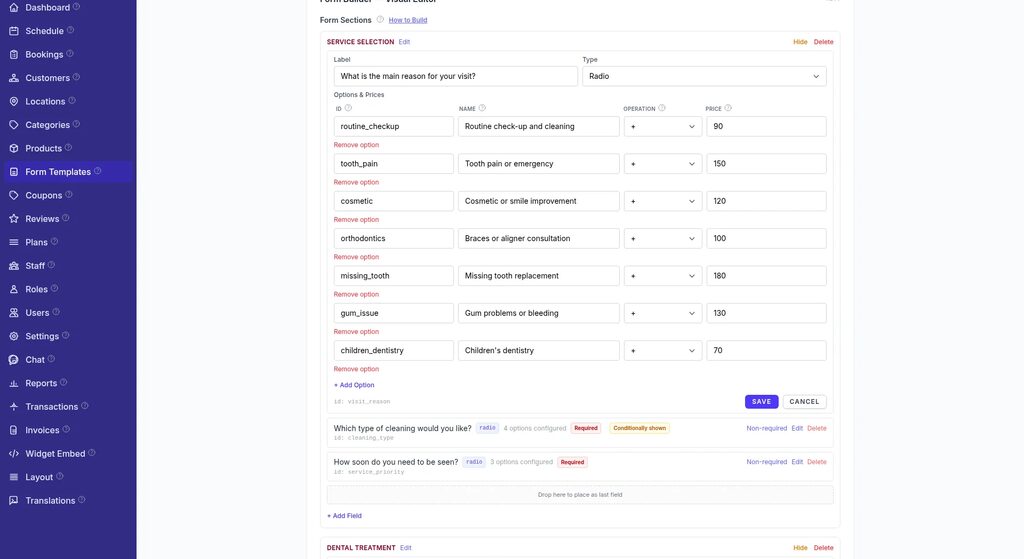
How to Price Complex Services with Dynamic Quote Rules
When a price depends on area, hours, rooms, people or answers, a single fixed amount cannot be right. Learn the four rule types that price complex work live — per unit, percentage, flat and conditional — with worked examples for trades, clinics and events.
- Per-unit, percentage, flat & conditional rules
- Rule order and rounding
- Worked examples by niche
 Payments & Revenue
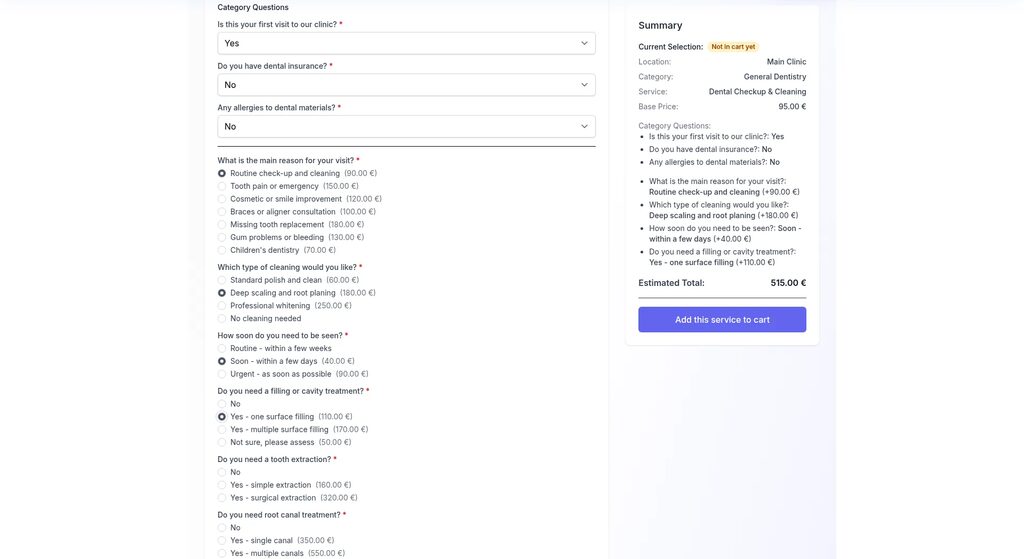
From Instant Quote to Booked Appointment — and the Deposit
Turn a priced quote into a confirmed appointment without a PDF, an approval step or a follow-up email. See how the quote, the slot and the deposit fit into one flow — and what the customer sees at each step.
- Quote, slot and deposit in one flow
- What the customer sees
- Why no PDF or approval step
 Quoting & Pricing
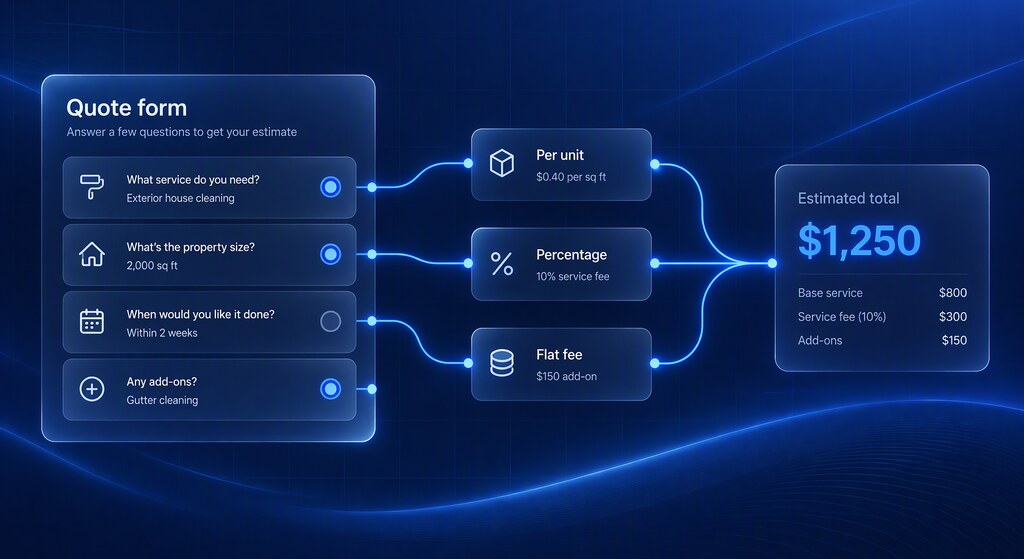
Quote Form Template: Which Questions to Ask and How to Price Them
A quote form is not a contact form with a price field. Learn the three layers every priced form needs — the questions that change the number, the rule behind each answer, and the order to apply them.
- Question types that carry a price
- Six rule types explained
- Worked catering example
 Quoting & Pricing
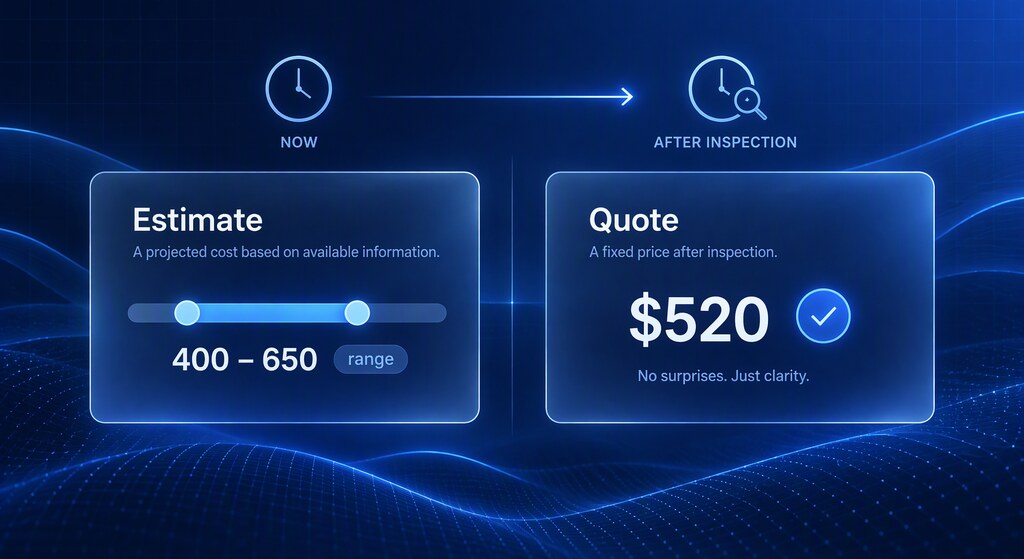
Instant Quote vs Estimate: What to Show a Customer, and When
A quote commits you, an estimate does not. Learn when an instant price is safe to promise, how to present a range honestly, and which deposit pattern fits each answer.
- Quote vs estimate, in plain words
- Three conditions for an instant price
- Range presentation & deposit fit
 Quoting & Pricing
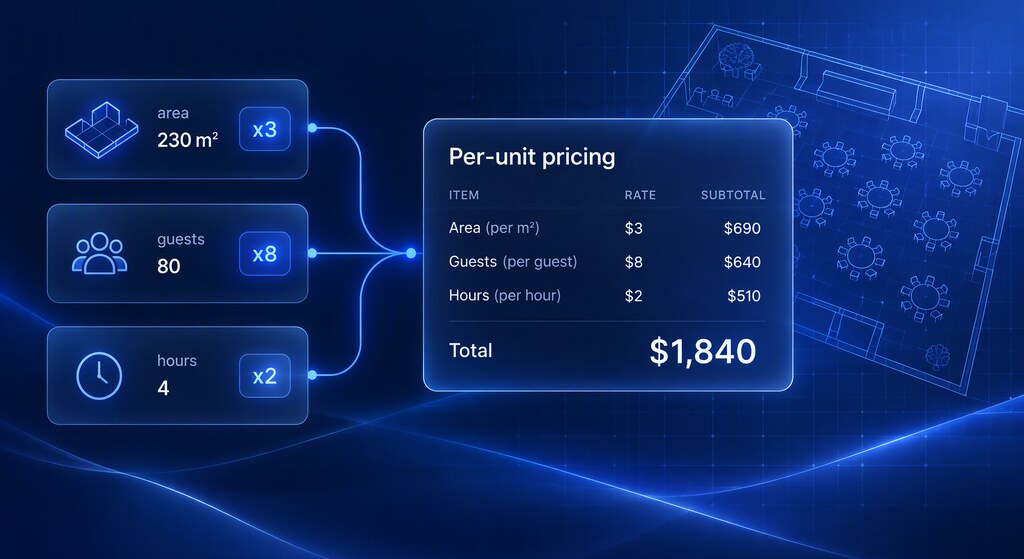
How to Price Per Unit in a Quote Form (Area, Guests, Hours and Items)
Per-unit pricing is the backbone of most trade and event quotes. Learn how to pick the unit, set minimums and volume breaks, and apply multipliers in the right order.
- Choosing the right unit
- Minimums and volume breaks
- Landscaping worked example
 Quoting & Pricing
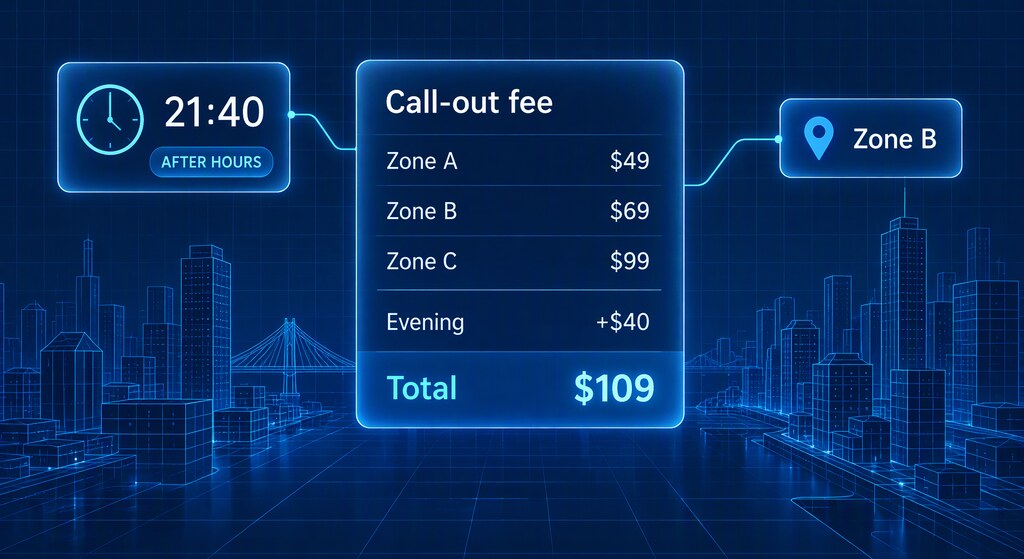
How to Price Call-Out Fees and After-Hours Work
A call-out fee is not a punishment for booking late — it is the price of being available. Learn what the fee must cover, how to price evening, weekend and emergency windows, and how to collect it in a booking form without arguing on the phone.
- Three costs a call-out covers
- After-hours window pricing
- Minimum-job rule in the form
 Quoting & Pricing
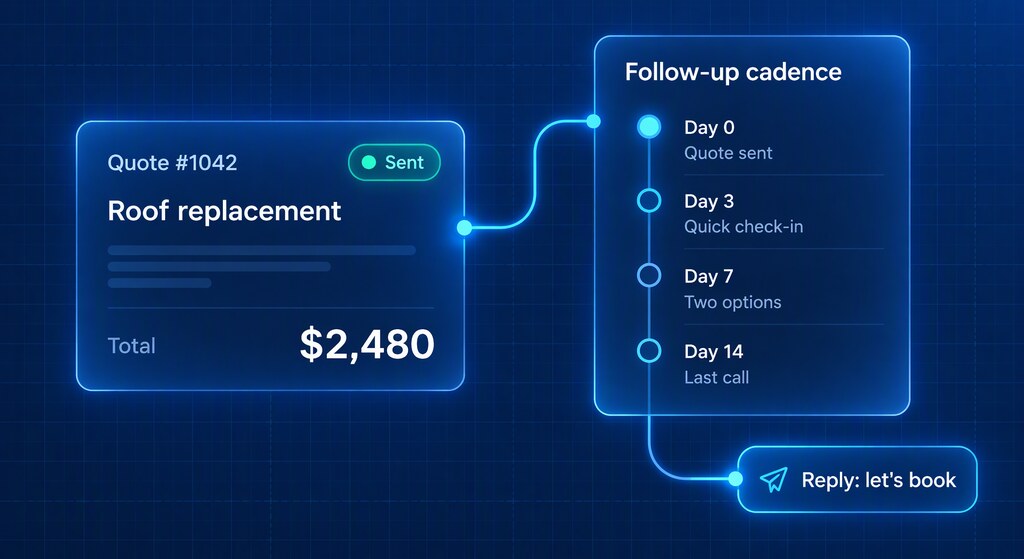
Quote Follow-Up Emails: Timing, Templates and When to Stop
Most quotes are lost to silence, not to price. A four-touch follow-up cadence — with the exact copy to send, the questions to ask and the moment to stop — turns "let me think about it" into a booked job.
- Four-touch cadence that works
- Copy-ready email templates
- How to answer "too expensive"
 Website & Integration
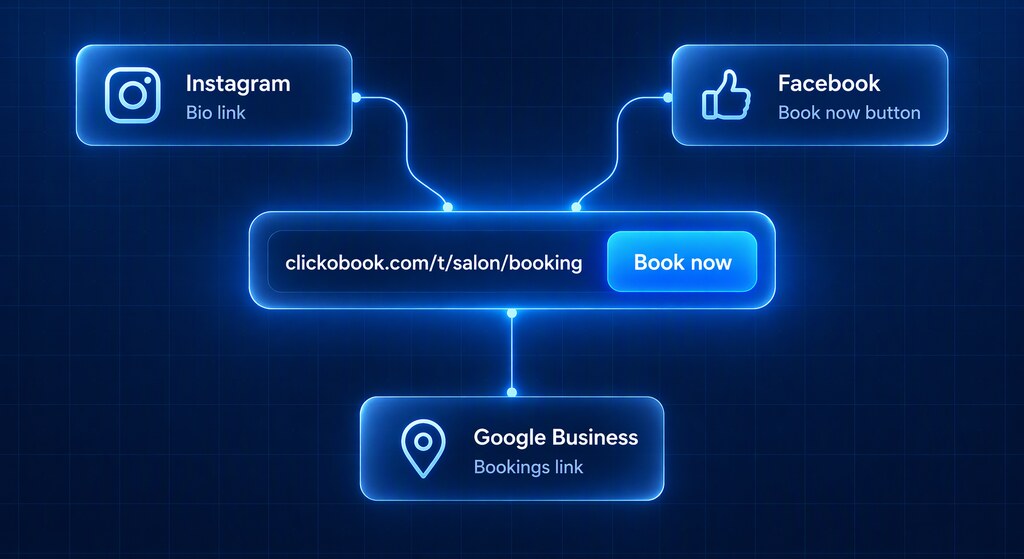
How to Add a Booking Link to Instagram, Facebook and Google Business
Your profile is where people decide — the booking link is where they commit. Learn the exact URL to use on Instagram, Facebook and Google Business, how to deep-link a single service, and how to track which platform sends the bookings.
- One link, every profile
- Deep links for a single service
- UTM tracking by platform
 AI & Automation
How to Set Up a 24/7 AI Chat Assistant to Capture Bookings Automatically
Deploy a smart AI chat widget on your booking site that answers client questions, checks live availability, and guides visitors to booked appointments around the clock.
- Instant 24/7 customer replies
- Custom knowledge base & FAQs
- Direct in-chat booking flow
 Team & Operations
How to Protect Your Client Database and Restrict Staff to Their Own Bookings
Configure row-level staff scoping in ClickoBook so team members only see and manage their own appointments, clients, and schedule without risking customer database theft.
- Row-level isolation for bookings and clients
- Protection against bulk database exports & leaks
- Separate permissions for front desk vs specialists
 Payments & Deposits
How to Accept Hybrid Payments: Online Deposit and Cash Settlement at Venue
Collect an online card deposit to secure appointments and eliminate no-shows, while collecting the remaining balance in cash at your location with real-time balance tracking.
- Online card deposit at checkout
- Live remaining balance tracking
- Cash collection recording at venue
 Integrations & AI
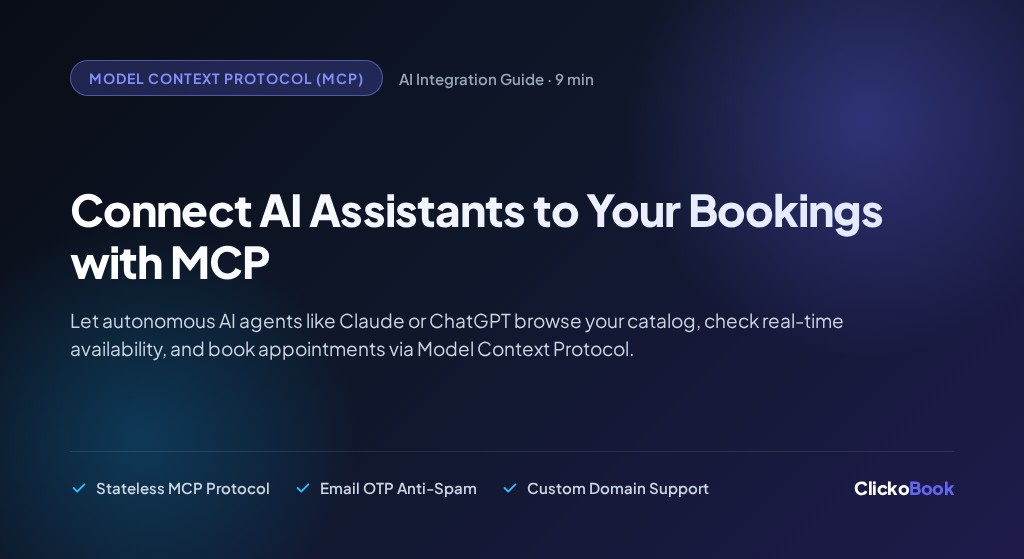
How to Connect AI Assistants to Your Booking System with MCP (Model Context Protocol)
Turn external AI assistants like Claude, ChatGPT, and custom agents into 24/7 booking agents that browse your services, check real-time availability, and create appointments via MCP.
- Autonomous AI agent booking via Model Context Protocol
- Real-time slot availability & dynamic form pricing
- Digest-bound email OTP anti-spam protection
Written for real service businesses
Every guide is researched from real industry challenges and backed by capabilities verified from the ClickoBook codebase — no marketing fluff.
Problem-first
Each guide starts with a real business problem — no-shows, complex pricing, manual reminders — and works through the solution step by step.
Vendor-neutral advice
The strategies work with any booking system. ClickoBook is shown as an implementation example, not a requirement.
Actionable takeaways
Every guide ends with clear next steps — whether that is a configuration checklist or a link to try ClickoBook free.
More about ClickoBook
Dig deeper into the platform.
AI booking & quote forms
Turn a text description into a working booking or quoting form.
All features
Online booking, payments, reminders, custom domains and more.
Compare alternatives
See how ClickoBook stacks up against SimplyBook.me, Calendly and more.
Simple pricing
Flat per-business pricing with 0% commission on payments.
Ready to put these guides into practice?
Start your 14-day free trial — no card on the free plan.
Free plan starts with no card · Paid plans do not require card at signup for trial · Cancel anytime